
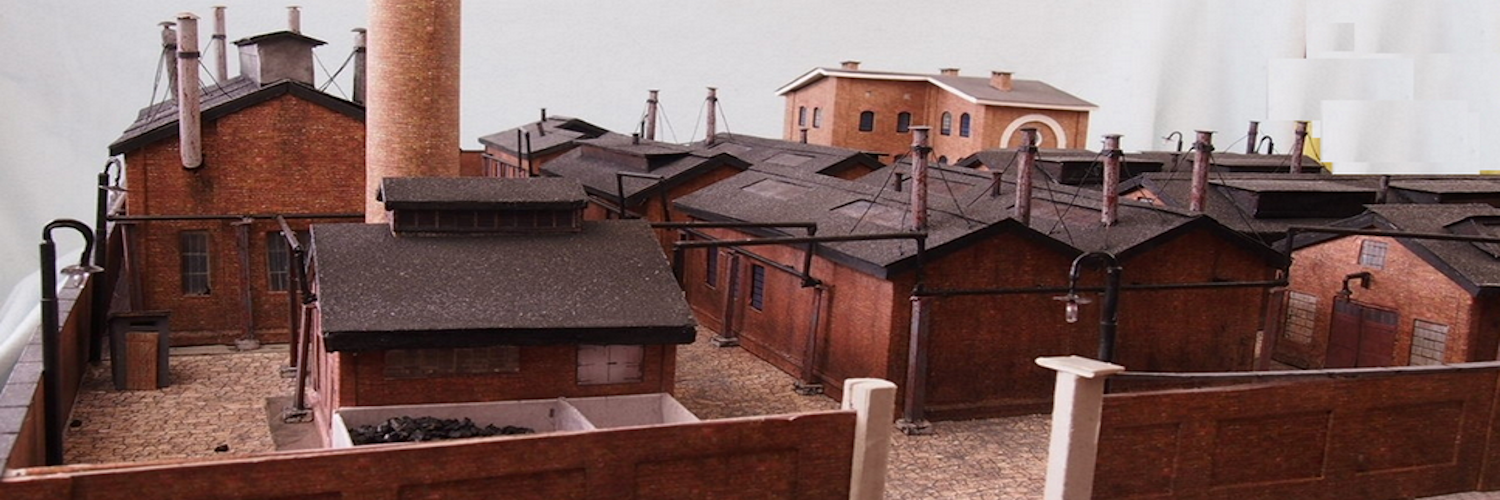
How to wire street lights so that they turn on and off realistically.
In this page we show you how to make your street lights operate like the prototypes.
Parts
resistor 270 6
mini pro standard 1
resistor 10k 1
2pin Screw terminal 6
3 pin screw terminal 1
Dupont Pin Socket 1
Programmer 1
Program
Circuit Board 1


Program
.For an LED to fade up or down it must be attached to a PWM pin. This sketch assumes the use of an Arduino Nano or an Arduino Mini. On those boards there are six PWM pins.
For ease of making the circuit board for this sketch, we recommend the use of the circuit board DIY kit that you find at this link. VVVVVVV
Even though there are only six pins on these boards, most streetlights use LEDs that have a very low current draw. So you can attach more than one LED to each PWM pin. Just make sure that you do not overload either the board current limit or the current limit for any individual pin.
The on/off sequence is controlled via pin A2. You can toggle A2 high and low directly from such as a diorama event timer ( ), or you can connect an external switch to provide the high signal.
In this sketch you will see places where you can change the rate at which the LEDs fade. And you can change how much each LED fades at each step.
Assembly