
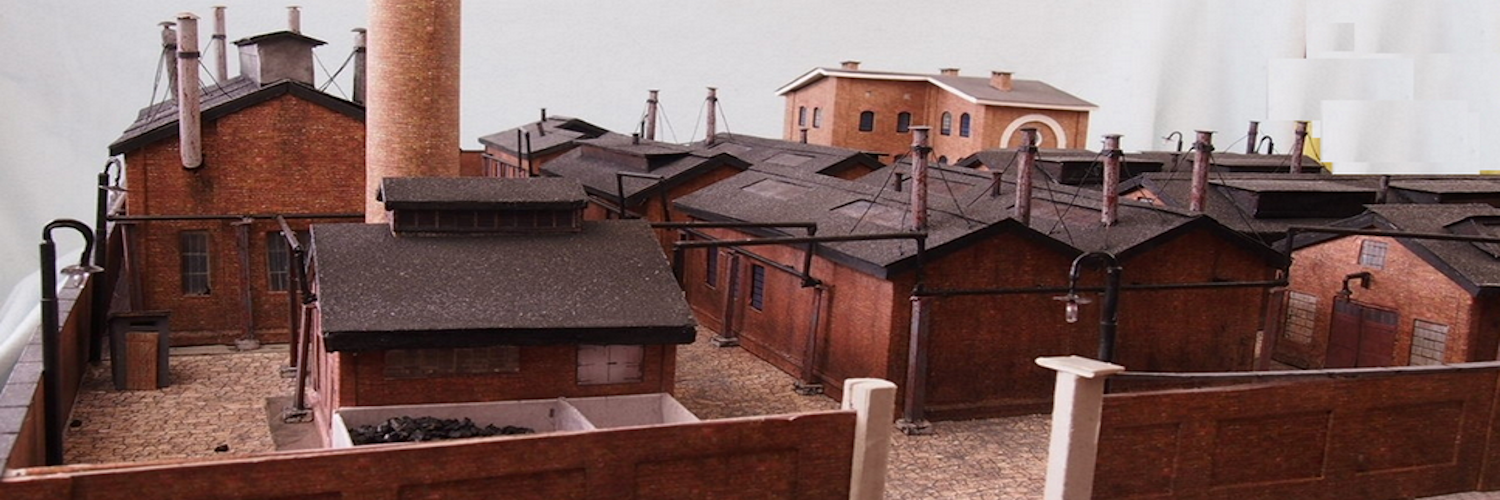
How To Add Realistic Clouds to Your Model Scene With Silicone Down
What’s In This Page
How to make fluffy, realistic clouds using silicone down. You learn how to use lightweight, durable, and easy-to-use silicone down that mimics the appearance of actual clouds.
There is also a video demonstration of one such cloud.
If you are using a phone, at the bottom of the page there are links to many supplies for modelers. Otherwise those links are in the sidebar to the right. You can also find other information by using the search function that is in the navigation bar above.
The Latest Information
Anything new and page updates are posted on Twitter (now X) and Facebook.
It is easy to keep up with the latest by following us on either of them.
Background
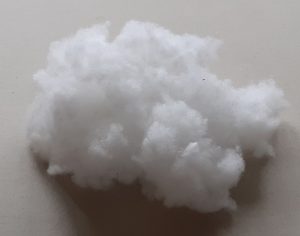 What Is Silicone Down
Silicone down is a type of artificial down that is used in a variety of applications, including model making. It is made from silicone and are very lightweight and fluffy. Silicone down is a great alternative to other materials for making clouds, such as cotton or foam. It is more realistic than cotton and does not shrink or lose its shape over time.
Benefits of Using Silicone Down for Clouds
There are many benefits to using silicone down for clouds in your model scene:
- Realistic Look – Silicone down creates fluffy, realistic clouds that look just like real clouds.
- Lightweight – Silicone down is very lightweight, so it will not weigh down your model.
- Durable – Silicone down is durable and will not lose its shape or color over time.
- Easy to Use -Silicone down is easy to use and can be shaped into different clouds.
How to Add Clouds to Your Model Scene with Silicone Down
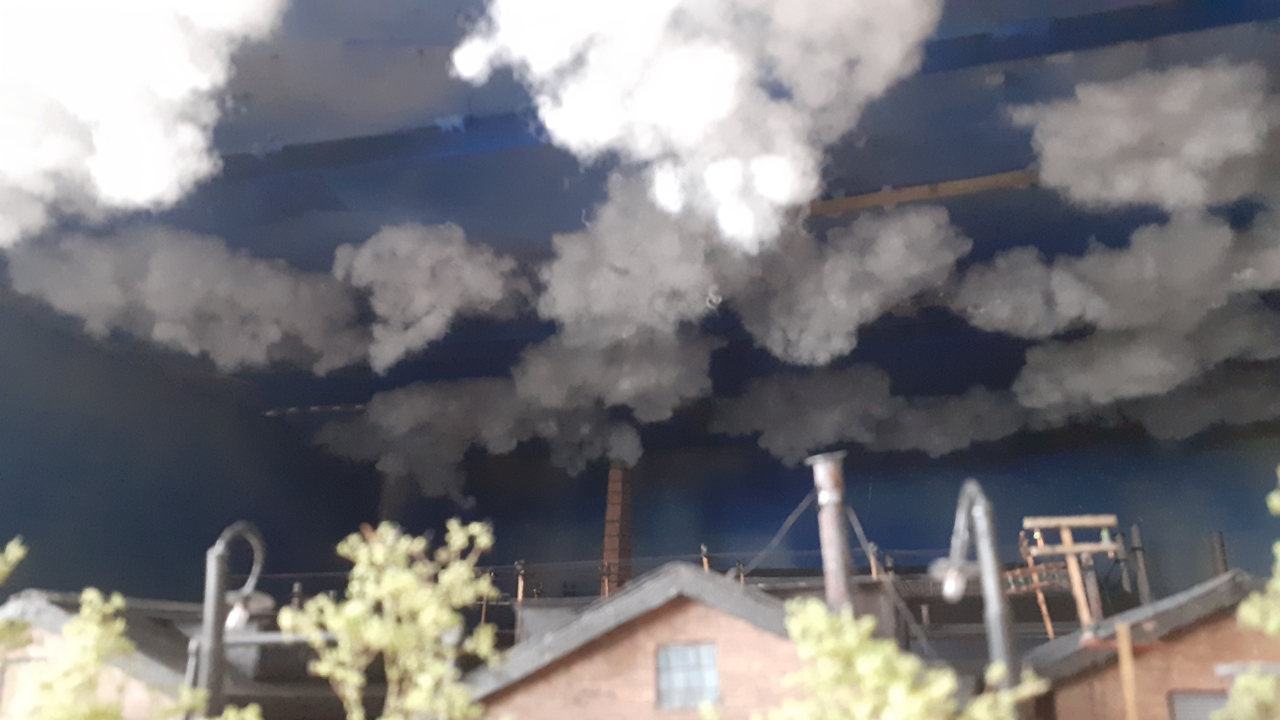 Here are the steps on how to add clouds to your model scene with silicone down:
- 1. Choose the right size and shape of silicone down balls for the type of clouds you want to create.For fluffy cumulus clouds, use small, lightweight balls. For larger, more ominous clouds, use larger, heavier balls.
- 2. Apply a thin layer of adhesive to the area where you want to place the clouds. This will help the clouds adhere to the surface and prevent them from falling off.
- 3. Gently press the silicone down into the adhesive.You can use your fingers or a sculpting tool to shape the clouds into the desired form.
- 4. Add more layers of silicone down to create thicker clouds.
- 5. Let the adhesive dry completely.
Tips for Adding Realistic Clouds
Here are some tips for adding realistic clouds to your model scene:
- Vary the size and shape of the silicone down to create a more realistic look.
- Group clouds together to create larger, more dramatic formations.
- Use different shades of silicone down to create depth and dimension.
- Apply a light dusting of acrylic paint or ground pastels to the clouds to give them a more natural appearance.
With a little practice, you can create realistic clouds that will add depth and realism to your model scene. Silicone down is a versatile and easy-to-use material that can be used to create a variety of cloud formations.
Video Demonstration
To Watch The Video make video
Where To Get Silicone Down
This link will take you to a place you can get silicone down. Click here.
Feedback
Your questions and comments help us clarify and upgrade the information presented. Even if you find this helpful, please tell us.
Please let us know if this page has been helpful And if you have questions or suggestions, use this spam free system.
Or use the green WhatsApp button that is to the right.