
Silicone Down For Trees, Model Scenery, Snow & Clouds
What’s In This Page
About and how to use silicone down to add realistic effects to your scenery. Includes examples and links to step by step guides.
If you are using a phone, at the bottom of the page there are links to many supplies for modelers. Otherwise those links are in the sidebar to the right. You can also find other information by using the search function that is in the navigation bar above.
The Latest Information
Anything new and page updates are posted on Twitter (now X) and Facebook.
It is easy to keep up with the latest by following us on either of them.
Silicone Down
Silicone down for model scenery is an alternative to polyfoam and has a number of advantages, including being non-flammable, anti-allergic, and able to be used for snow, clouds, and lightning storms.
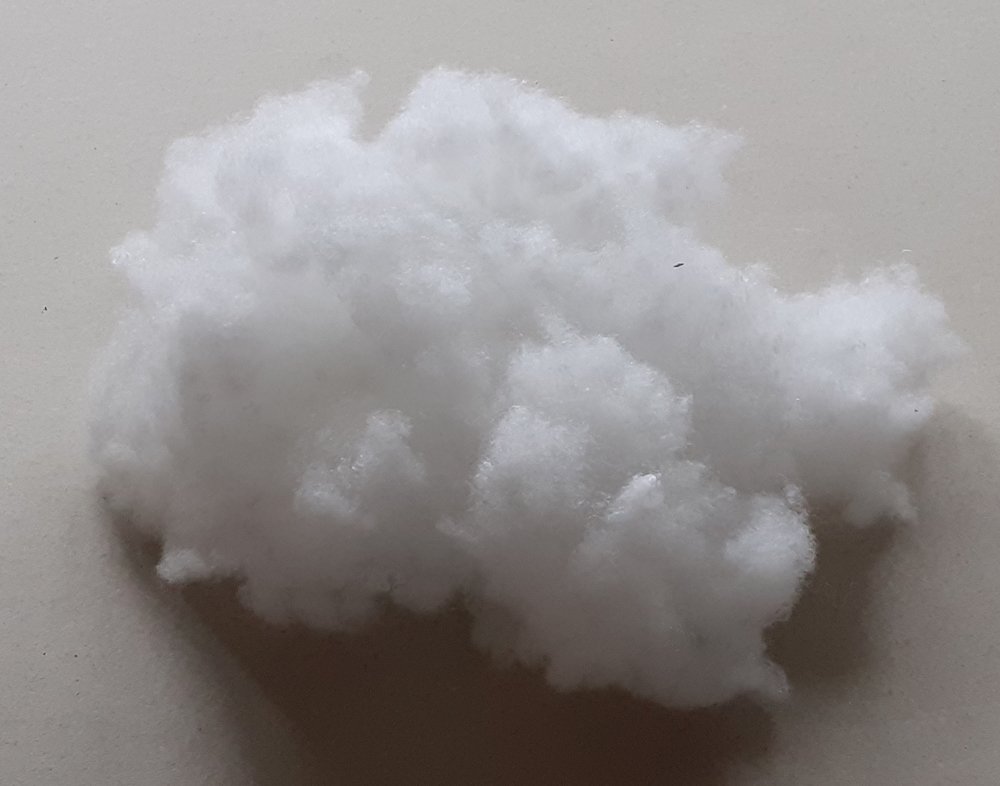 Here are some of the key advantages of silicone down:
- Silicone down is a versatile material that can be used for a variety of model scenery applications.
- It is an alternative to polyfoam, which can be flammable and can yellow over time.
- Silicone down is non-flammable and anti-allergic.
- It can be used to create realistic snow, clouds, and lightning storms.
- It is easy to apply and can be spray painted or spray glued.
Features
- Alternative to poly-foam
- Silicone balls randomly sized about 5 by 4 by 4 cm
- Torsionally crimped, which ensures three-dimensionality, fluffiness and elasticity
- Easy to apply to plastic, wire and other model tree armatures
- Used as artificial snow on Christmas trees, crafts and models
- Non-flammable
- Anti-allergic
- Does not shrink in washing and permanently retains its properties
- Makes modeler’s clouds
- Convenient to use for model lightning storms
- Non-yellowing
- Can be spray painted
- Can be spray glued
Examples

Plastic Armature Based Model Trees – A step by step guide for making simple but attractive trees
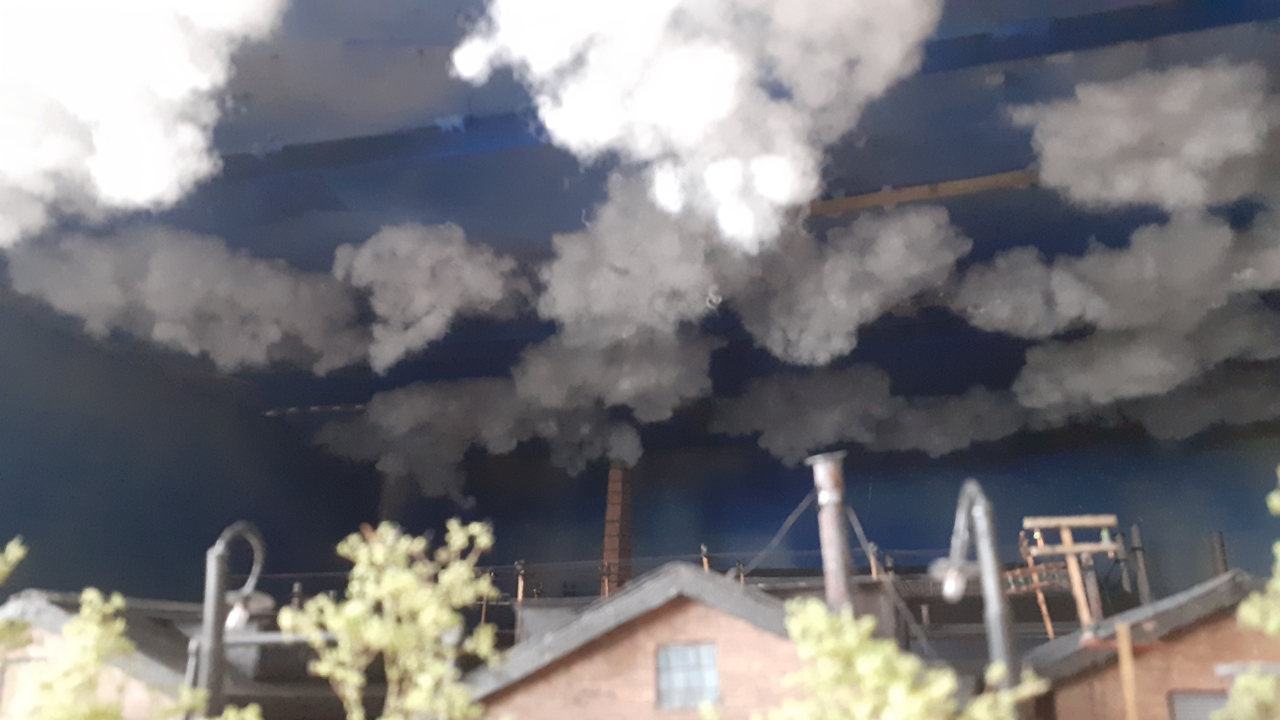 Scenery Clouds – Fluffy, realistic clouds using silicone balls. These lightweight, durable, and easy-to-use balls mimic the appearance of actual clouds, adding depth and realism to your miniature world. Experiment with various shapes and sizes to create diverse formations, and enhance the natural look with acrylic paint or pastel dusting.
 Thunder And Lighting Storm – Discover how to make a realistic thunder and lightning storm with a WS2812B Pixel LED strip using this Arduino project. The project features a random number of flashing LED pixels in blue, light blue, and white. The circuit board, provided in a kit, eliminates the need for wiring, and it includes a lightning controller and thunder sound player. Watch the video demonstration, learn about the kit, and follow the step-by-step assembly guide. Control the storm manually with labeled switches or integrate it with another microcontroller.
Watch a video here.
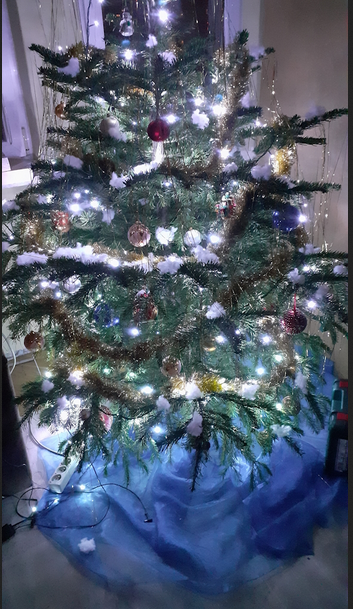
Snow – Down can be used as snow to enhance your Christmas tree, models, window displays,
Feedback
Your questions and comments help us clarify and upgrade the information presented. Even if you find this helpful, please tell us.
Please let us know if this page has been helpful And if you have questions or suggestions, use this spam free system.
Or use the green WhatsApp button that is to the right.